How it works
From the ramp to town, step by step
Renting with FlyDrive for the first time? Here’s what happens, from booking before you fly to locking up when you leave.
-
Step 1 · Book
Before you fly
- Get the FlyDrive app for iPhone or Android, or use the web app.
- Add your driver’s license, proof of insurance and a payment card. You only do this once.
- Choose the field, the car and your times. You’ll see the full trip price, including fees and tax, before you confirm.
- A refundable security deposit is held on your card when the rental starts.
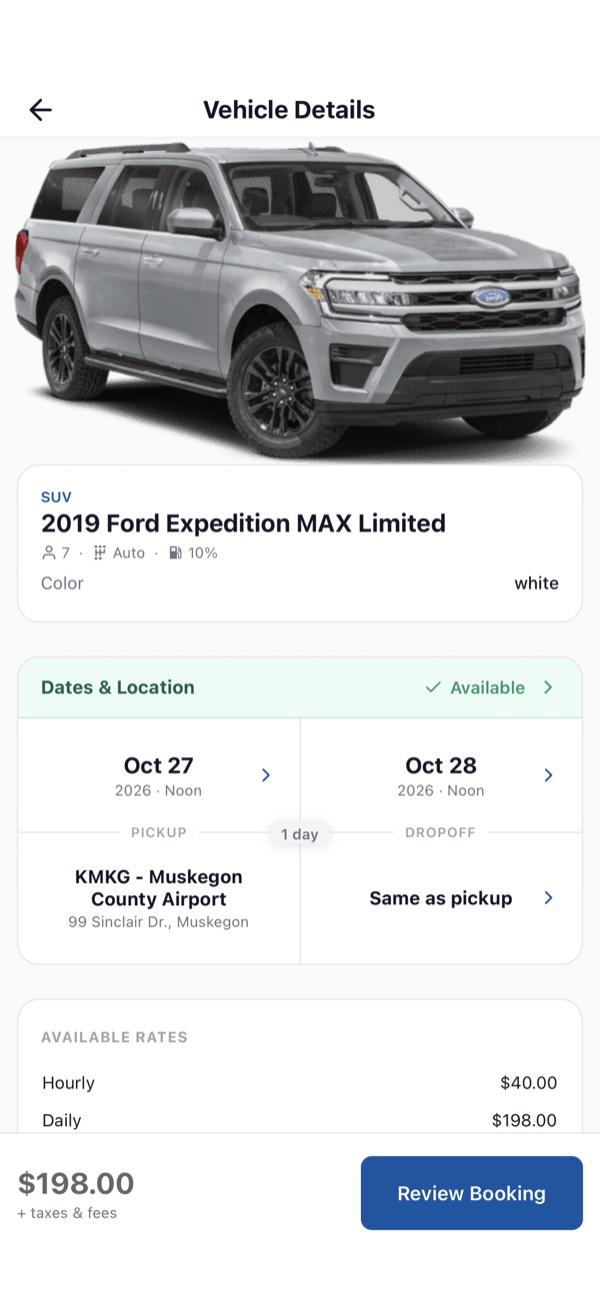
Pick the field, the car and your times. -
Step 2 · Unlock
On arrival
- The app shows where the car is parked at the field.
- Turn on Bluetooth, walk up to the car and tap Unlock. Your phone is the key.
- Take a quick walk around and add photos of any existing damage in the app.
- Climb in and go. There’s no counter and nobody to meet.
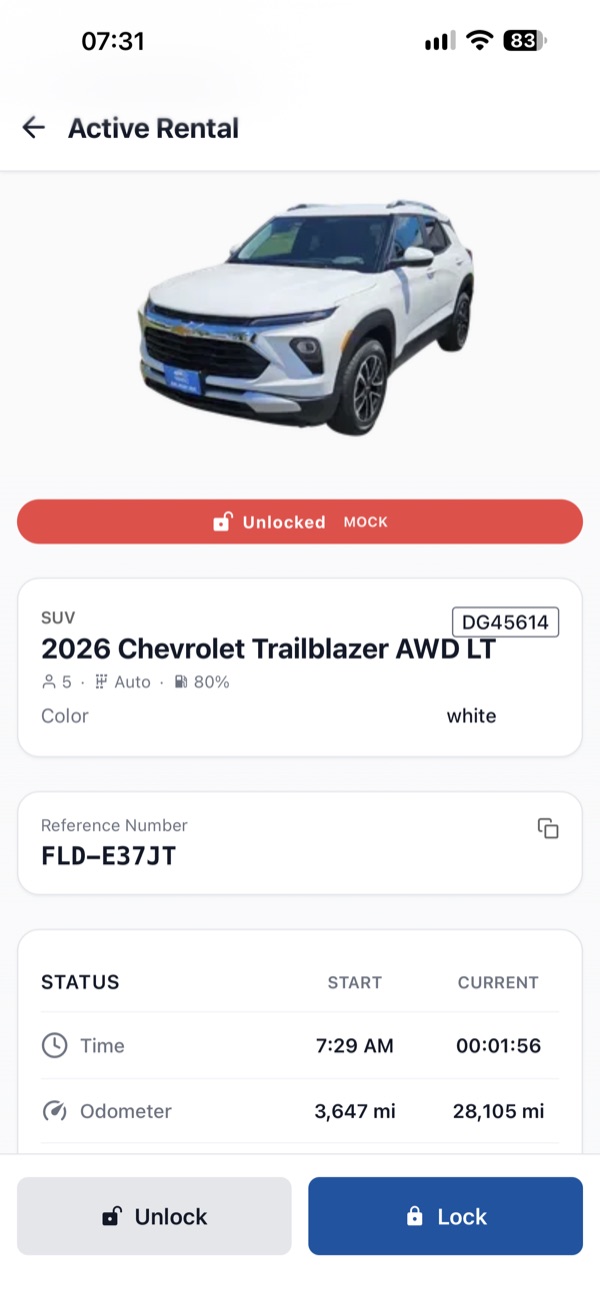
Your phone is the key. -
Step 3 · Drive
During your trip
- Running late? Extend the rental from the app before your end time.
- Lock and unlock from your phone as often as you need.
- Return the car with the same fuel level you started with.
- Help is in the app 24/7, or call us on 844-522-4081.
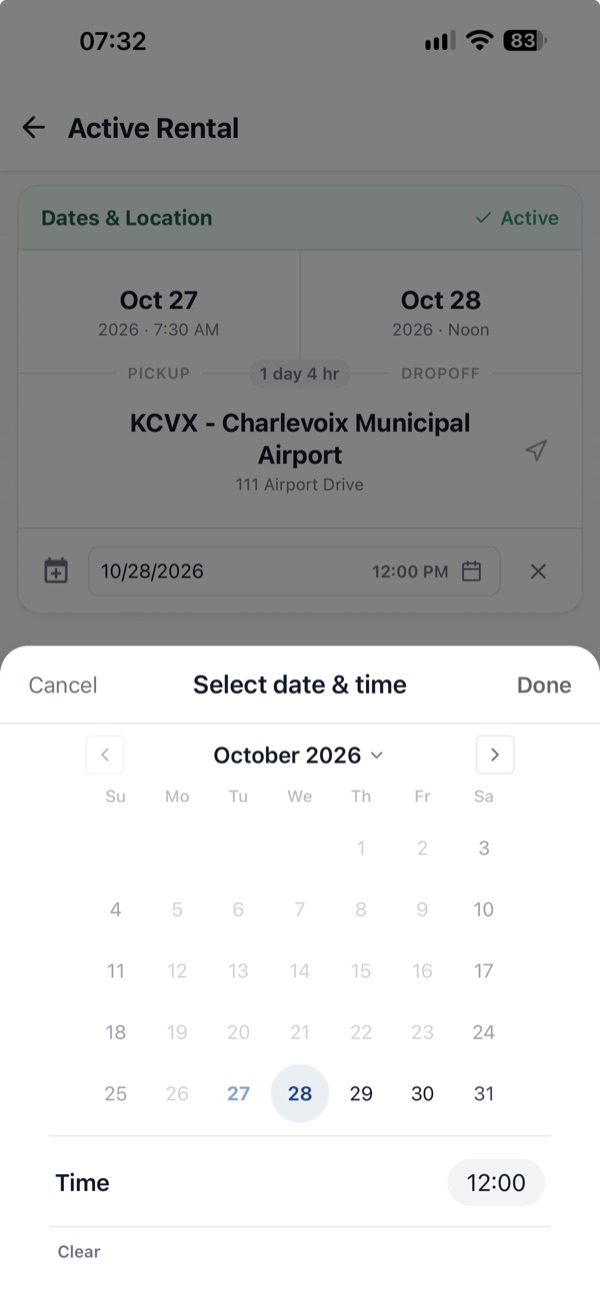
Need longer? Extend in the app. -
Step 4 · Return
Heading home
- Park back in the FlyDrive spot at the same field.
- Take your things and your trash, and add return photos in the app.
- Lock the car and end the trip in the app.
- Your receipt is in the app, and the deposit hold is released.
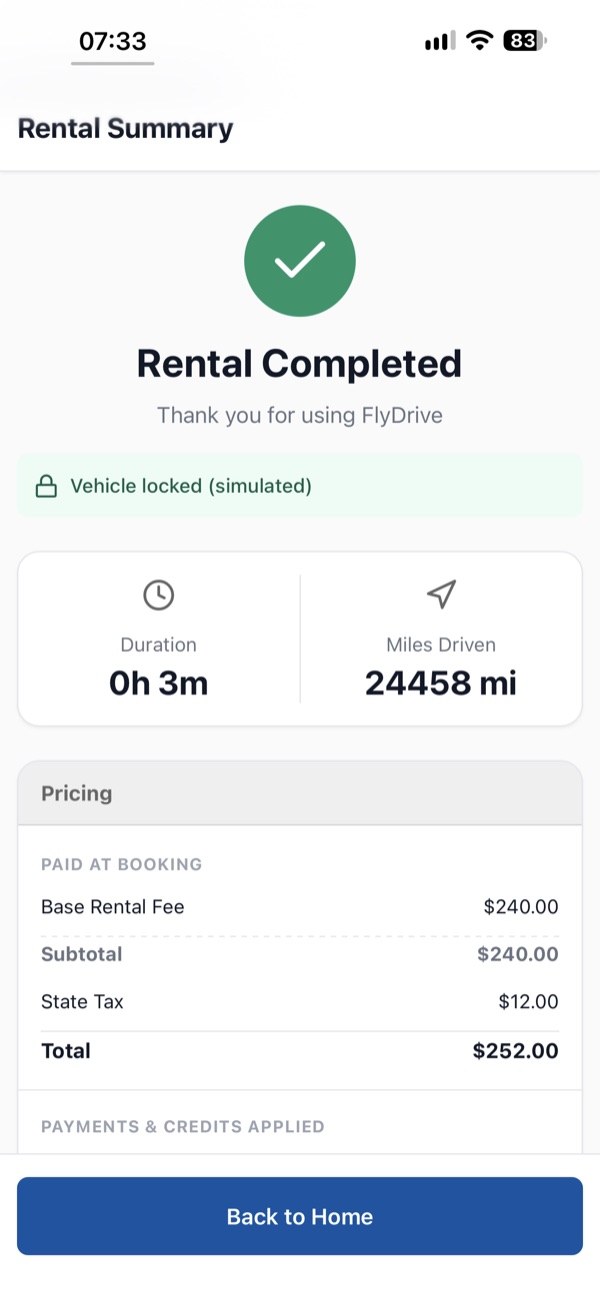
The receipt is waiting when you lock up.

The platform
Powered by Unlocs
The FlyDrive app, bookings and virtual keys run on Unlocs, our technology partner. Unlocs builds rental software for fleets that have no counter, so the car is ready when you land and opens with your phone.